Simulator console
The simulator provides a local workspace for machine controls, terminal sessions, application display, file transfers, and diagnostics. The controller and a prepared runtime run on your machine; GitHub Pages serves this introduction as static content.
A workspace for terminal and application output
The toolbar controls the selected machine. The central workspace gives terminal sessions and the application display priority, with configuration and inspection in adjoining panes. Terminal, application, and combined views keep the working area useful at different window sizes.
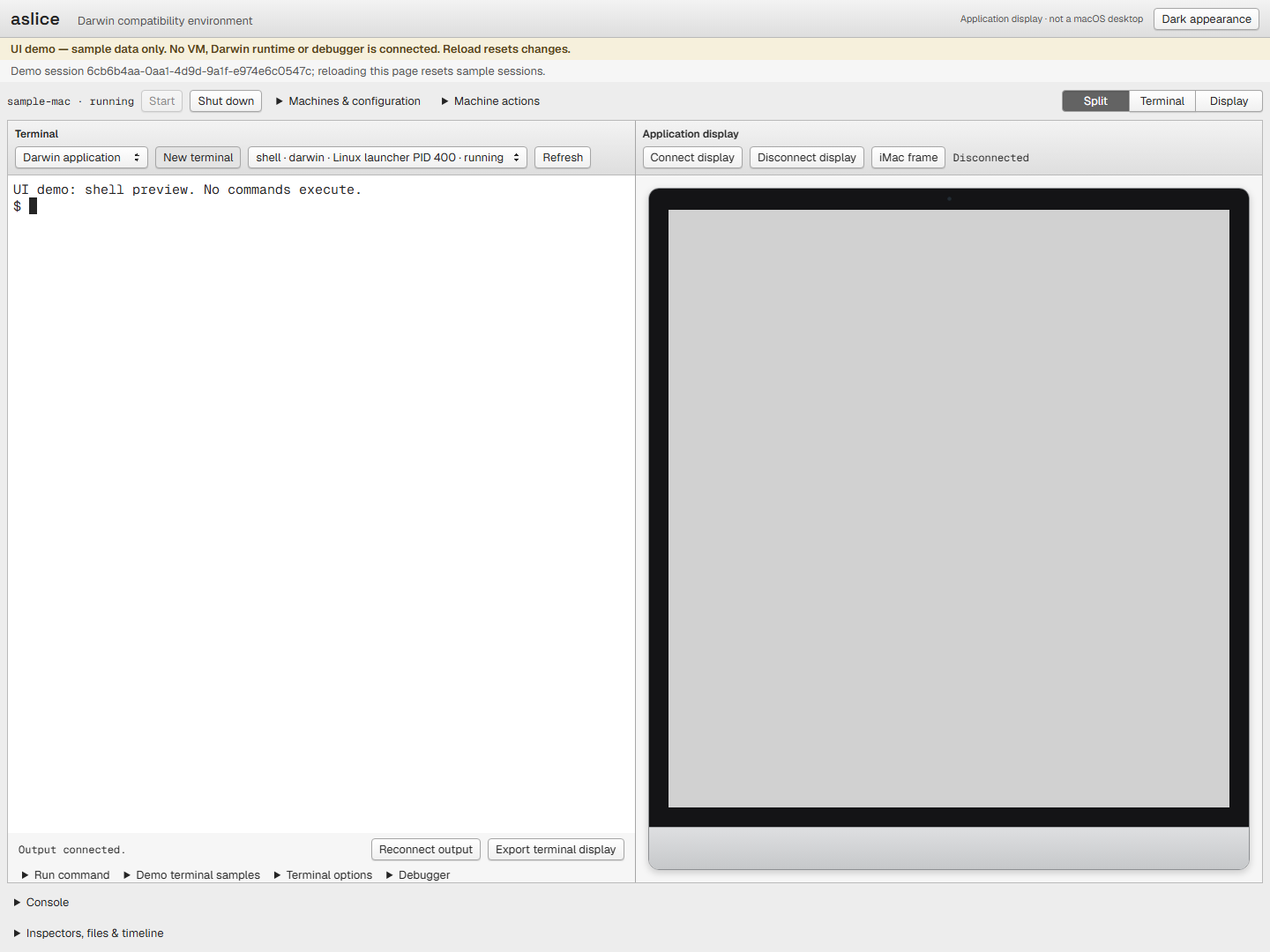
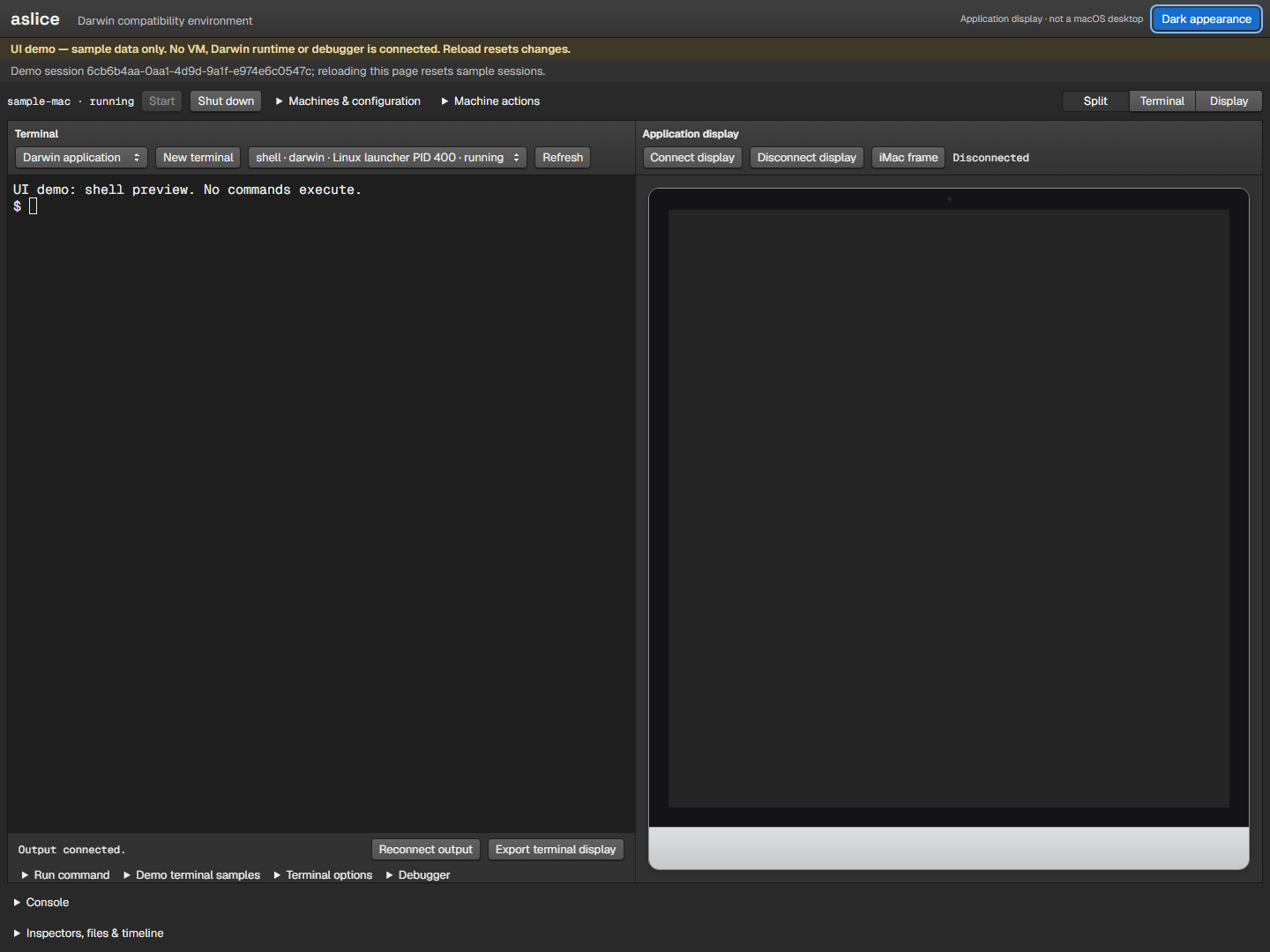
These screenshots were captured directly from the repository's compiled console using its development sample transport. The visible sample machine and terminal are UI fixtures, not evidence of a running Darwin guest, executed guest commands, or platform qualification. No interactive simulator is included in this site.
Explicit appearance controls
Light is the default. The Dark appearance button saves your choice; it does not follow the operating system. Appearance changes affect the surrounding controls and leave guest application images unchanged. Keyboard focus stays visible.
Use it locally
Read the simulator guide for the controller, runtime prerequisites, machine lifecycle, and known limitations. The console build guide covers installation, local development, and compiled preview. The compiled console targets Safari 9 on OS X 10.11; automated compatibility checks do not replace testing on that platform.
For the system behind the console, see Developing and the design specification.